Zoom Fatigue Is Real: Here’s What’s Causing It
Why Video Calls Feel More Draining Than In-Person Meetings in Amarillo
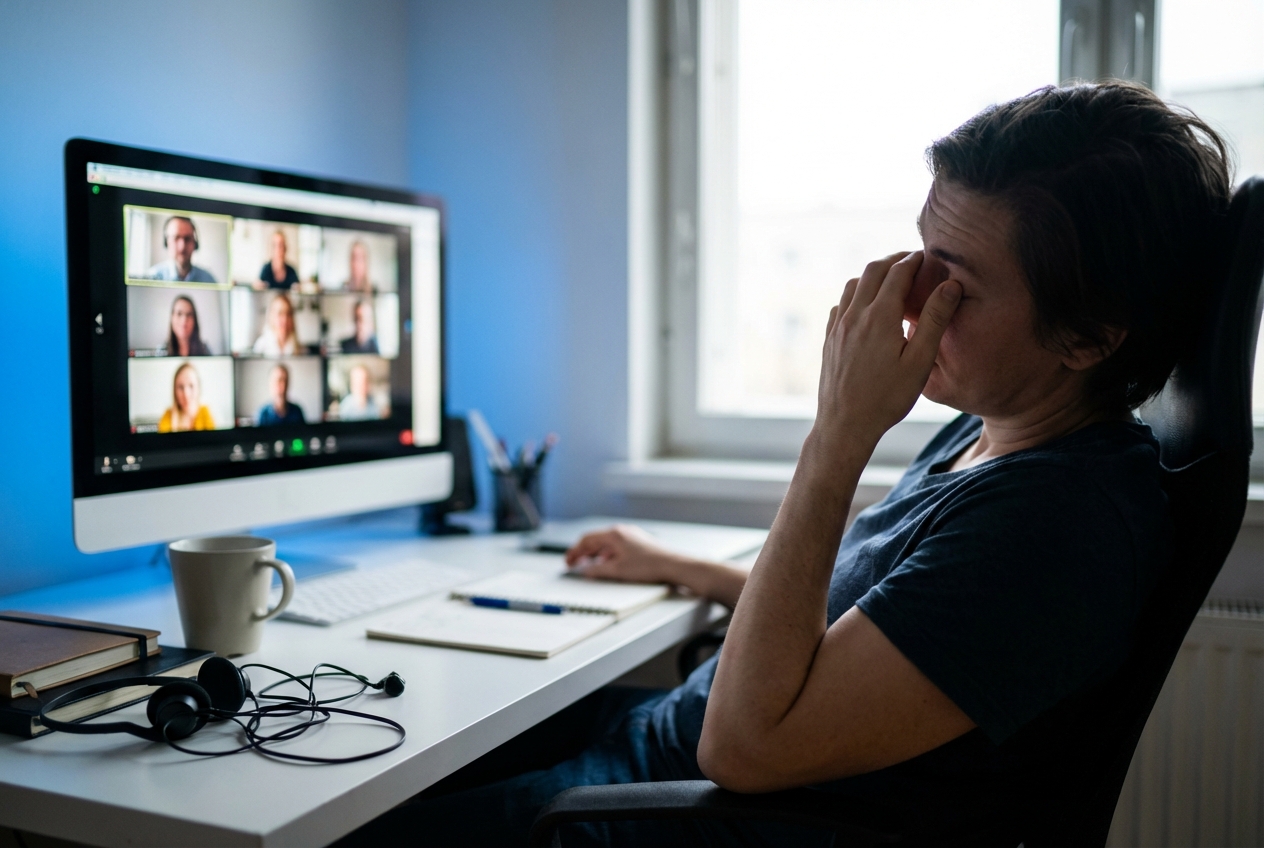
You finish your fourth video call of the day, close your laptop, and feel like you've run a mental marathon. Your eyes ache. Your brain feels foggy. You can't quite explain why sitting in a chair staring at a screen left you more exhausted than a full day of in-person client meetings ever did.
You're not imagining things. Zoom fatigue is real, and the causes behind it are backed by solid research. According to Technology Advice, 37.1% of employees identify video call exhaustion as the greatest challenge of virtual meetings. That's more than a third of the workforce struggling with something that didn't exist as a widespread problem just a few years ago.
The shift to remote work brought incredible flexibility for Amarillo professionals. Freelancers, consultants, and small business owners gained freedom from rigid office schedules and long commutes. But that freedom came with an unexpected cost: a new kind of tiredness that traditional workdays never produced. The screen that connects you to clients and colleagues is simultaneously draining your energy in ways your brain wasn't designed to handle.
Understanding what's causing this exhaustion is the first step toward fixing it. Once you know why video calls hit differently than face-to-face conversations, you can make intentional choices about how you structure your workday. The goal isn't to eliminate video meetings entirely, but to design a routine that protects your mental energy while still getting your work done.
Camera Self-Awareness and Cognitive Load
Here's something that might surprise you: one of the biggest energy drains during video calls is your own face. That small rectangle showing your image creates a psychological burden that doesn't exist in normal conversations.
Professor Eoin Whelan at the University of Galway has studied this phenomenon extensively. His research reveals that "Zoom fatigue has a clear biological effect, especially when people can see their own image on screen." When you can see yourself, you're essentially holding up a mirror during every conversation. You're monitoring your expressions, checking your appearance, and unconsciously adjusting how you present yourself, all while trying to focus on what others are saying.
Think about how unnatural this is. In a coffee shop meeting or a conference room conversation, you never see your own face. You're fully present with the other person. On video calls, part of your attention is always split between the conversation and your self-image. That divided attention costs mental energy.
The cognitive load doesn't stop there. Video calls require your brain to work overtime to interpret social cues that would be effortless in person. You're scanning multiple faces at once, trying to read expressions through pixelated images, and compensating for the slight audio delays that make natural conversational rhythm impossible. Your brain is constantly filling in gaps that wouldn't exist if you were sitting across from someone.
Eye contact presents another challenge. In person, you naturally look at someone's eyes when they speak. On video, looking at someone's eyes means looking at their face on screen, but appearing to make eye contact requires looking at your camera lens instead. Your brain knows something is off about this exchange, even if you can't articulate it. That subtle wrongness creates low-level stress throughout every call.
The statistics paint a clear picture of how widespread this problem has become. Research from AI Jobs shows that 63% of remote workers participate in more online meetings than they would in the office, with 30% spending two to three hours daily on camera. That's a significant chunk of the workday spent in a state of heightened cognitive demand.
Personality type matters too. The same research found that 58% of introverts report suffering from webcam exhaustion, compared to 40% of extroverts. If you're someone who recharges through quiet time alone, video calls may be hitting you even harder than your more extroverted colleagues.
The physical setup of most home offices makes things worse. You're often sitting in the same chair, staring at the same screen, in the same room for hours. There's no walk to a different conference room, no change of scenery, no physical movement to break up the monotony. Your body stays static while your brain runs at full speed.
Many Amarillo remote workers have discovered that their home office setup, while convenient, lacks the variety that keeps energy levels stable throughout the day. The kitchen table that seemed like a perfect workspace becomes a fatigue factory when every meeting, every task, and every break happens in the same spot.
Designing a Workday That Reduces Digital Exhaustion
The good news is that video call fatigue responds well to intentional design choices. You don't need to overhaul your entire work life. Small adjustments to how you schedule, conduct, and recover from video meetings can make a significant difference in how you feel at the end of each day.
Start by auditing your current meeting load. Look at your calendar from the past two weeks and identify which video calls were truly necessary and which could have been emails, phone calls, or asynchronous messages. Many professionals discover that a surprising number of their video meetings don't actually require video. A quick phone call often accomplishes the same goal with far less fatigue.
When video is necessary, schedule strategically. Back-to-back video calls are exhausting because you never get recovery time. Try blocking fifteen to thirty minutes between calls whenever possible. Use that time to stand up, move around, look at something other than a screen, and let your brain reset. Even a short walk around your workspace can help.
Consider hiding your self-view during calls. Most video platforms allow you to turn off the image of yourself while still appearing on camera to others. This simple change removes the mirror effect and lets you focus entirely on the conversation. You might feel uncomfortable at first, but most people adjust quickly and report feeling less drained afterward.
Camera-off time matters too. Not every meeting requires video. For internal team check-ins or calls with colleagues you know well, suggest audio-only when appropriate. You'll still connect and communicate, but without the visual processing demands that drain your energy.
Your physical environment plays a bigger role than you might expect. Working from home means you're often trapped in the same visual field all day. Your brain craves novelty and movement. Changing your workspace, even temporarily, can break the monotony and reduce accumulated fatigue.
This is where many Amarillo remote workers have found value in flexible workspace options. Having a dedicated place outside your home for certain types of work creates natural variety in your day. You might take important client calls from a professional setting where the environment supports focus, then return home for independent work. The change of scenery alone helps manage energy levels.
Union Hall members often mention this benefit. One member, John, shared his experience: "Union Hall is a great place for a shared workspace, especially if you are in a last minute pinch. The atmosphere is very professional where you can focus and get work done." Having access to a different environment gives you options when working from home starts feeling stale.
Build recovery rituals into your schedule. After intensive video call blocks, plan activities that don't involve screens. Return phone calls while walking. Review printed documents instead of digital ones. Have lunch away from your desk. These small choices help your brain recover from the visual and cognitive demands of video communication.
Set boundaries around your availability. Just because you can take a video call doesn't mean you should. Protect certain hours of your day for deep work that doesn't involve meetings. Communicate these boundaries clearly to clients and colleagues. Most people respect protected focus time when you explain why it matters for the quality of your work.
Consider the time of day when you schedule demanding calls. Most people have natural energy peaks and valleys throughout the day. Schedule your most intensive video meetings during your high-energy periods, and save lower-stakes calls or camera-off meetings for times when you're typically less sharp.
Physical movement between calls makes a real difference. Stand up, stretch, do a few jumping jacks, or walk to another room. Movement increases blood flow to your brain and helps shake off the static feeling that accumulates during sedentary screen time. Even two minutes of physical activity can improve how you feel going into your next call.
Pay attention to your lighting and screen position. Poor lighting forces your eyes to work harder, and screens positioned too close or at awkward angles create physical strain that compounds mental fatigue. Small ergonomic improvements can reduce the physical component of video call exhaustion.
Finally, protect your mornings or your most creative hours from video calls entirely. Many remote professionals find that starting the day with focused, independent work before diving into meetings helps them maintain better energy throughout the afternoon. Experiment with different schedules to find what works best for your particular rhythm.
Finding Your Balance
Video calls aren't going away, and for remote workers in Amarillo, they remain essential tools for connecting with clients and colleagues. But understanding why they're so draining gives you power to make better choices about when, how, and where you take them.
The fatigue you're feeling isn't weakness or lack of discipline. It's a predictable response to a communication medium that demands more from your brain than face-to-face conversation ever did. Treating video calls as high-energy activities that require recovery time, rather than neutral events that should have no impact, is the first step toward sustainable remote work.
If your current home setup isn't giving you the variety and focus you need, consider exploring other options. A professional workspace can provide the change of scenery and dedicated environment that helps break the fatigue cycle.
Ready to see what a dedicated workspace could do for your energy and focus? Schedule a tour at Union Hall and experience the difference a professional environment makes for your workday.